Turn Raw Images intoLive WooCommerce Products in Minutes
Ever spent hours uploading products manually? While your team or CRM energy is tied up writing descriptions, setting prices, and formatting listings — instead of serving customers or closing sales? That’s where ListNovate comes in.
ListNovate AI allows you to drag, drop, and "stack" hundreds of product photos into organized galleries. Define your target country and tone, let our AI generate SEO-optimized titles and descriptions, apply bulk pricing rules, and push to your store in minutes.
No credit card required
10 free credits on signup
Context-Aware AI
Why Choose ListNovate AI?
A powerful AI workspace built for high-volume WooCommerce store owners — helping you spend less time writing product listings and more time closing sales.
Smart Enhancement
AI analyzes and enhances products automatically with SEO-optimized details and settings tailored to your store.
Lightning Fast
Process products in seconds, not minutes, with blazing fast algorithms on our end.
Smart Validation
Prevents "dirty" uploads. The system flags missing prices or invalid variations before you sync.
Boost Sales
Better product details = higher conversion rates and organic seo traffic to your store.
The Credit System
A Billing Model That Actually Makes Sense
We hated subscription services that delete your unused credits or lock your account the moment you hit a limit. ListNovate AI is different.
Top-Ups Never Expire
Purchased booster packs stay in your wallet forever until you use them. They act as your safety net.
Smart Plan Upgrades
Upgrading your plan? We merge your remaining credits into the new plan as rollover credits. You lose nothing.
The "Free Fallback" Guarantee
Ran out of paid credits? You automatically revert to 10 Free Daily credits while keeping Pro features active.
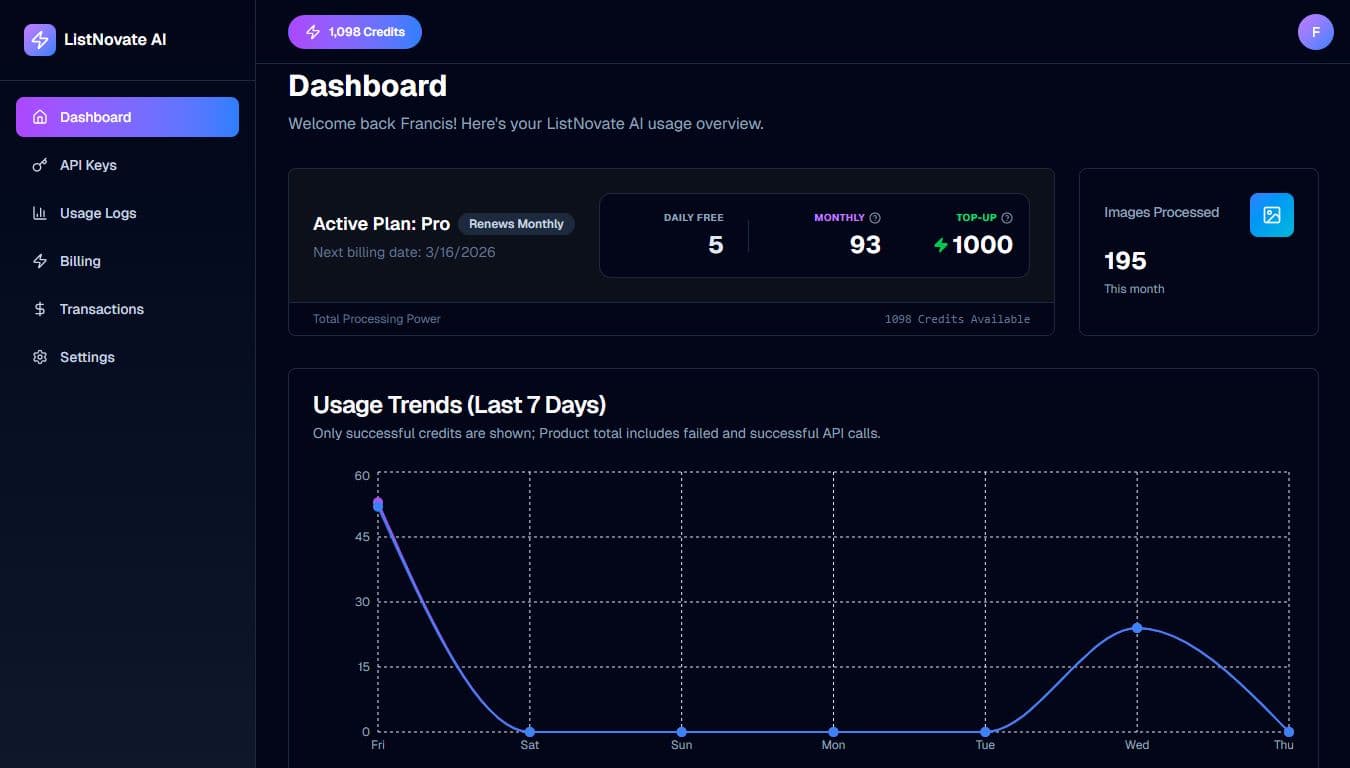
Active Plan: Pro
SUBSCRIPTION ACTIVE
Daily Free
10
Monthly
450
Resets in 12 days
Top-Up
200
Never Expire
Powerful Dashboard Controls
Manage API keys, track credit usage, and monitor processing history
AI Usage & Analytics
Track how many descriptions, titles, and SEO meta tags you have generated. Monitor your costs per product.
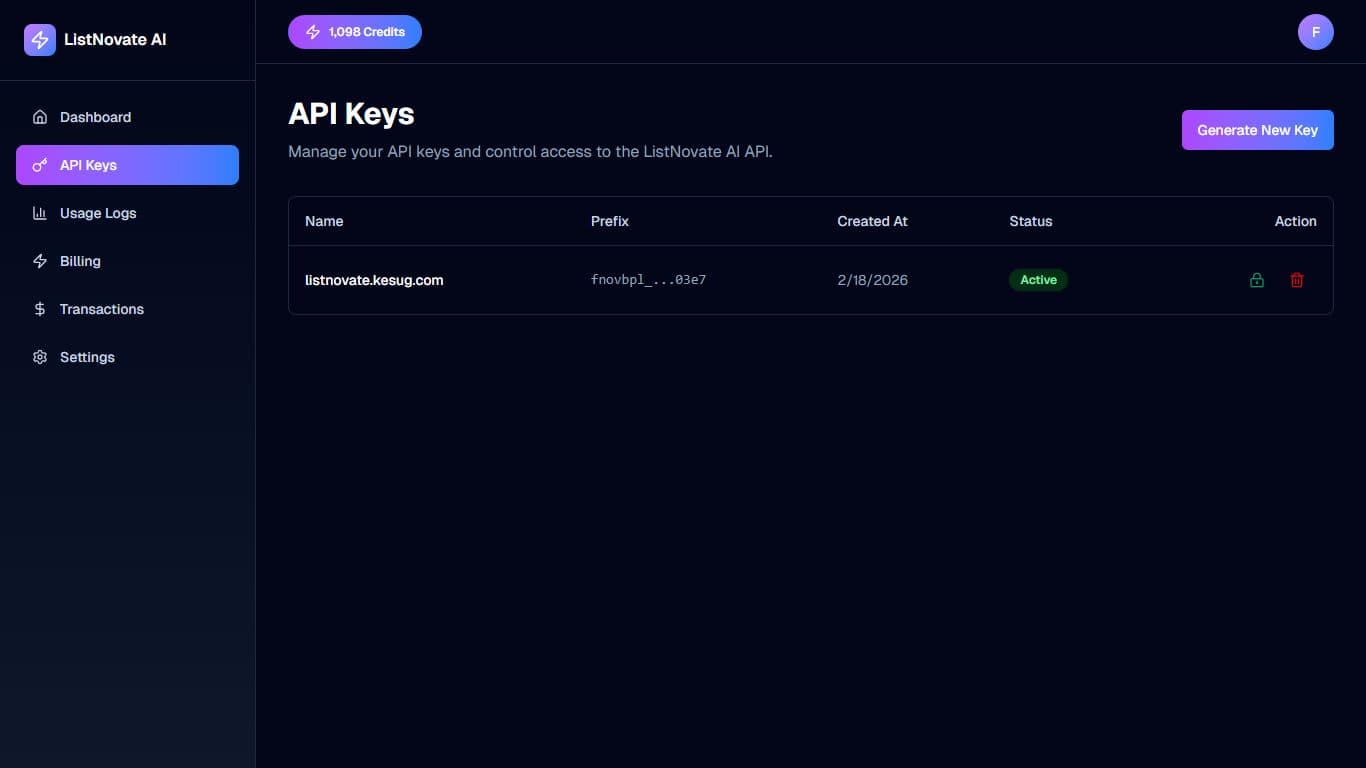
API Key Management
Generate secure API keys to connect the WordPress plugin to your ListNovate AI account.
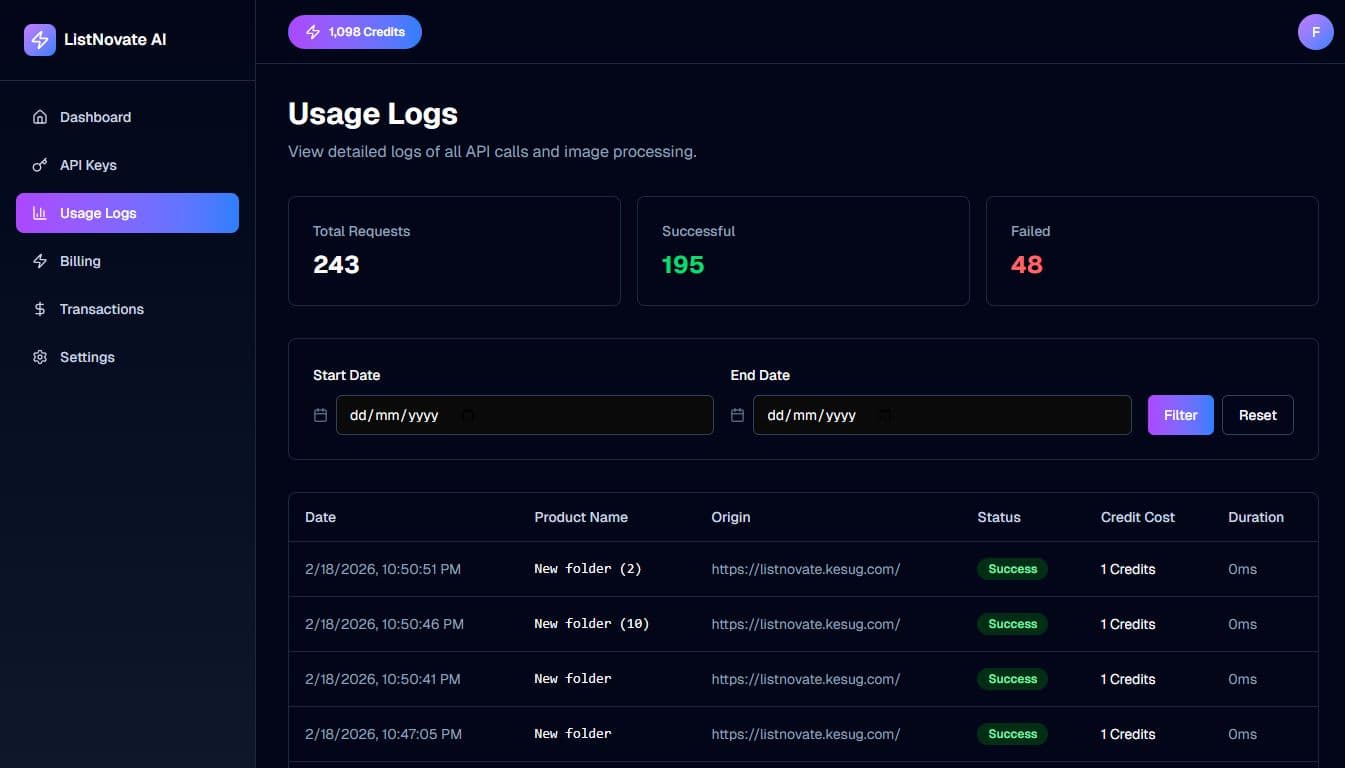
Processing Logs
View detailed logs of every bulk action. See exactly which products succeeded and which failed validation.
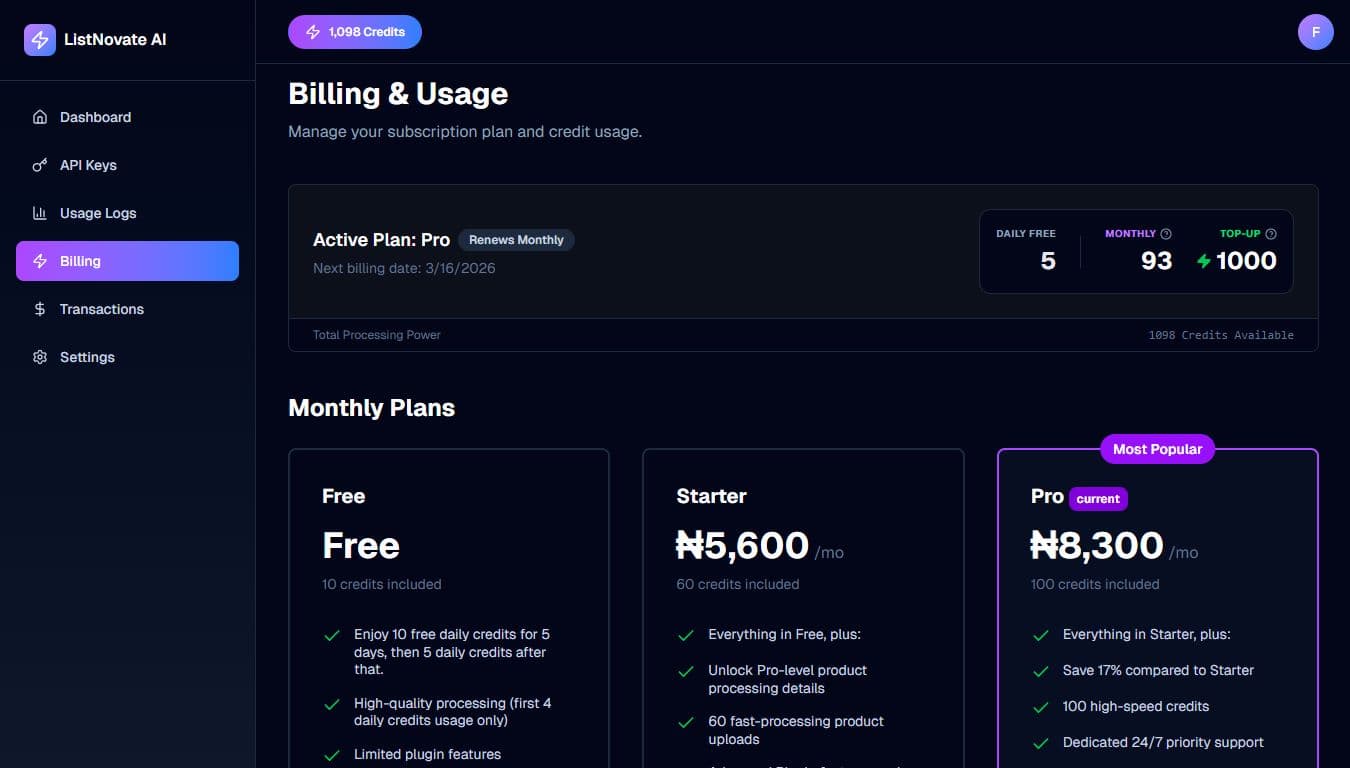
Subscription Control
Upgrade your plan, purchase top-up credits, or manage your billing details directly.
Plugin Capabilities
Everything you need to manage your WooCommerce inventory
Staging & Galleries
Drag-and-drop Grid View
Stack images to merge data
Instant list view for editing
Advanced AI Tools
Keyword injection for SEO
Custom Tone (Persuasive, Luxury)
Target Country localization
Bulk & Variations
Math-based pricing adjustments
Drag images to variations
Auto-refund on processing failure
Ecosystem Integration
Seamless Multi-Vendor Support
ListNovate supports major WooCommerce multi-vendor systems right out of the box, ensuring you never have to edit products manually just to assign them to vendors.
Out-of-the-Box Support
Working with plugins like Dokan? Everything is integrated into a seamless, hassle-free interface. Just enable it in settings and assign products directly as you upload.
Custom Extensibility
Using a vendor system we don't support natively yet? No problem. Easily extend our hooks as explained in the documentation, or contact us to include it in the next update.
Zero Credits? Zero Problem.
The Ultimate Free Upgrade for WooCommerce
Even if you run out of AI credits and don’t want to upgrade, ListNovate remains the most powerful bulk-uploading tool on the market — completely free to use.
Ditch the “Add New” ButtonWe built this plugin to solve the pain of constantly clicking the WooCommerce “Add New” button for every single product you upload. Drag in your images, fill in your titles (or let our AI do it), adjust prices in bulk or manually like a spreadsheet, and sync hundreds of items instantly to your store.
Foolproof Error ValidationWe solve one of the most painful and time-consuming parts of product uploads. No more editing products, uploading them to your store, and only then discovering errors, missing prices, or incomplete data. Our system won’t let you publish broken listings. Missing a price? Forgot to add variations to a variable product? The system flags it in red before it touches your live store.
Basic Bulk Edits IncludedNeed to drop prices by a fixed amount, assign categories in bulk, or make other mass updates? Select your products and apply changes in one click. (Advanced actions like percentage markups and vendor assignments are reserved for Pro users.)
Manual Mode Active
Ready to Sync
Price Required
Ready to Sync
How We Stack Up
Stop juggling multiple outdated tools. ListNovate combines them all.
Feature
Standard CSV Importers
Basic AI Writers
ListNovate AI
Upload Method
Complex CSV Formatting
One-by-one Manual UI
Visual Drag & Drop
Image Galleries
Requires Image URLs
Instant Auto-Stacking
Data Validation
Fails silently after sync
Pre-sync Visual Alerts
Bulk Advanced Edits
Math & Bulk Tagging
Multi-Vendor Support
Needs expensive add-ons
Native Integration
Works with Zero Credits?
Locks your account
Yes (Manual Mode)
Frequently Asked Questions
Everything you need to know about working with ListNovate AI.
What happens when I run out of credits?
You never get locked out! If you run out of paid credits, you automatically fall back to your 10 Free Daily Credits. If you run out of those, you can still use the plugin to drag, drop, and bulk-upload products manually to WooCommerce without AI processing.
Do I have to format CSV files or map columns?
No. That's the beauty of ListNovate. There are no spreadsheets, no missing delimiters, and no column mapping. You literally just drag your images/folders into the visual grid, fill in the blanks (or let AI do it), and click sync.
Are bulk edits available on the free tier?
Basic bulk actions (like setting a fixed price across 100 items) are available to everyone. However, Premium Actions—such as adjusting prices by a percentage (+20% markup), bulk-assigning categories, changing product types to variable, and assigning multi-vendor ownership—require an active paid plan.
Can I upload Variable Products (like clothing with sizes/colors)?
Yes! Just double-click any product card in the staging area to open the Editor Mode. You can change the product type to "Variable", generate attributes, and visually drag specific images to specific variations (e.g., drag the red shirt image to the "Red" variation row).